Game streaming from PC to Mac Your gaming PC, on your Mac.
Low-latency Gaming mode and mouse capture built in. Your PC renders, your Mac plays.
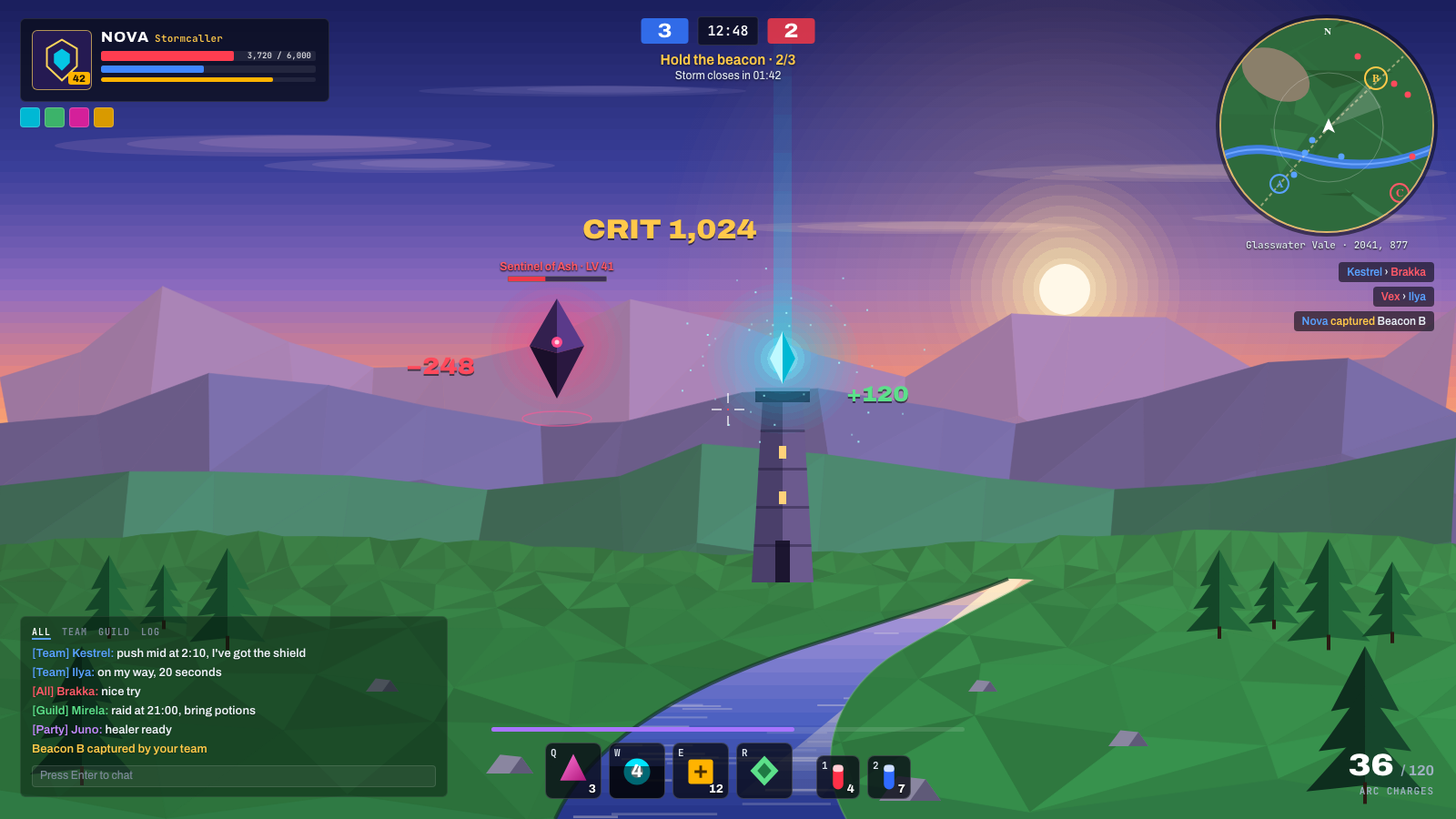
Gaming mode
Less delay. Switch it on mid-game, no reconnect.
Mouse capture
Stays in the game, so you can turn freely. Works with 1000 Hz mice. F8 lets go.
Sharp HUD
Minimap, chat and HUD in 4:4:4 with NVIDIA or Intel graphics.
High frame rates
Up to 240 fps. Set it to match your display.
Read the chat mid-fight.


Three steps. No account.
Install QuadChroma on both computers.
Turn on “Share this PC” on your gaming PC.
Pick it on your Mac and connect.
Try it on your own rig.
7 days free. No account, no card.